How To Pin Marriageinabox.Com To Your Mobile Home Screen
Posted on by Maria Sappe
Just want everyone to know that Marriageinabox.com is accessible via mobile. Launch Marriageinabox.com quickly with a single tap by pinning it to your home screen.
Here is an instruction on how to pin a website to Android home screen:
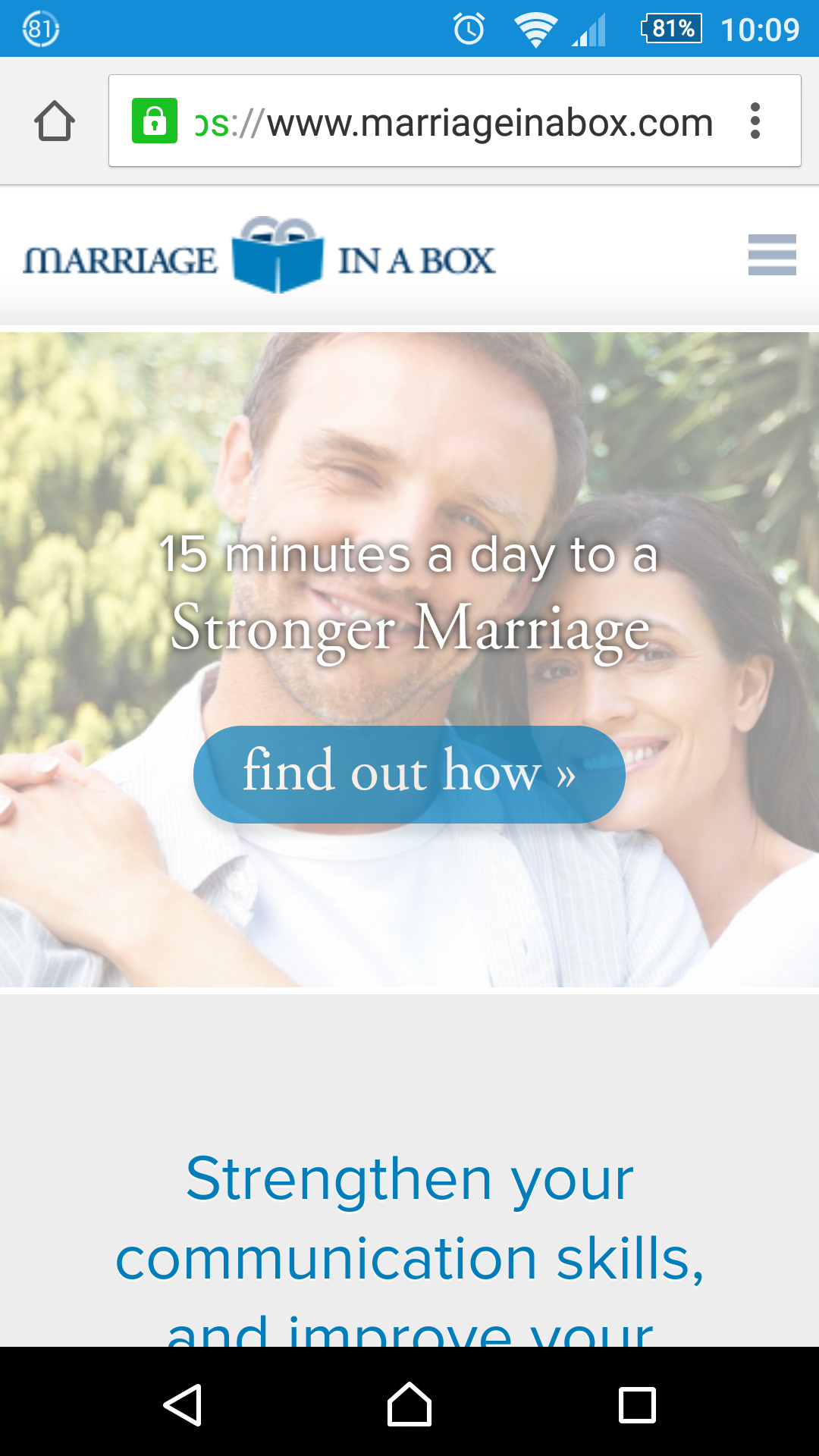
1. Start by opening Marriageinabox.com in your mobile browser.
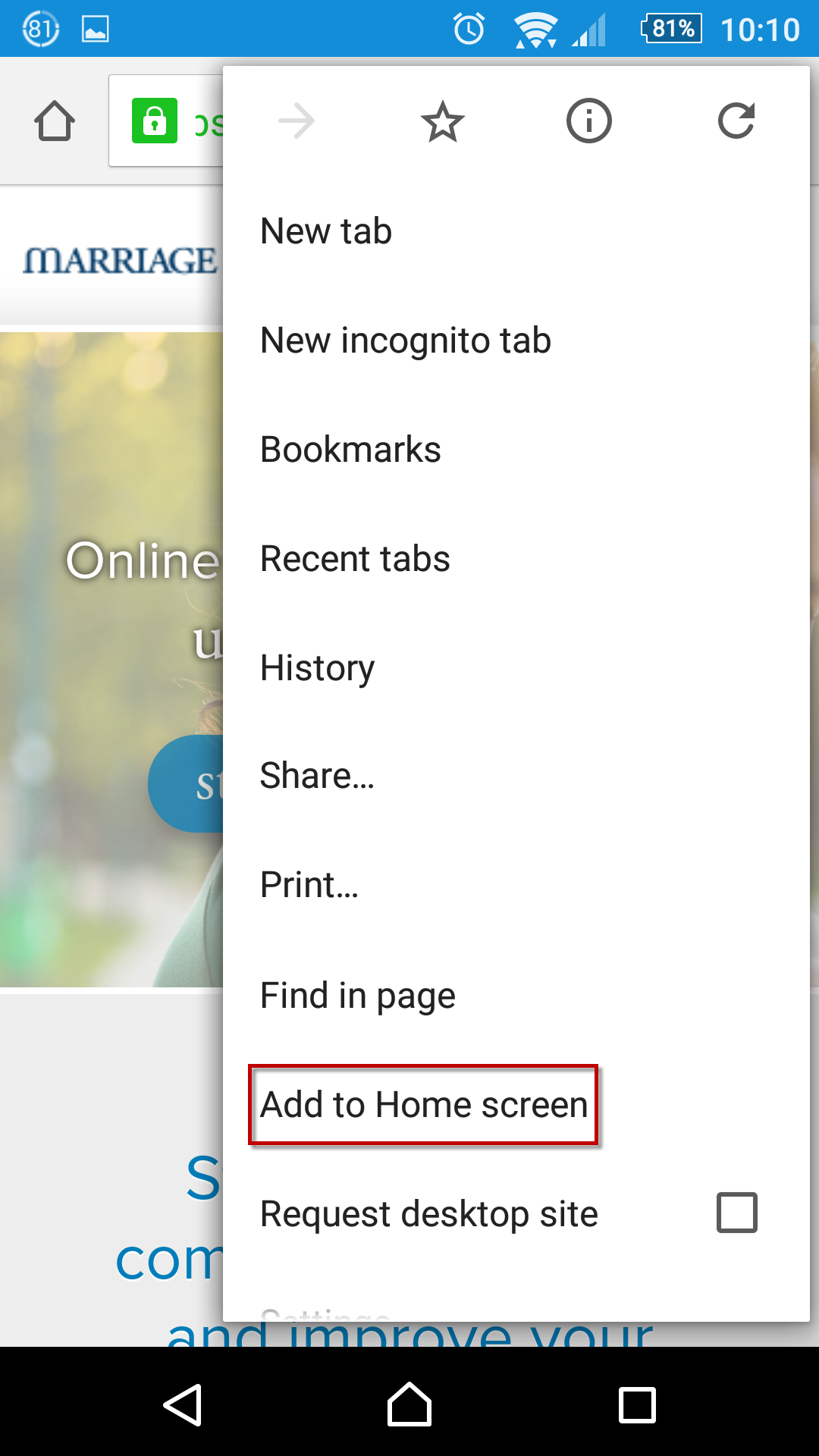
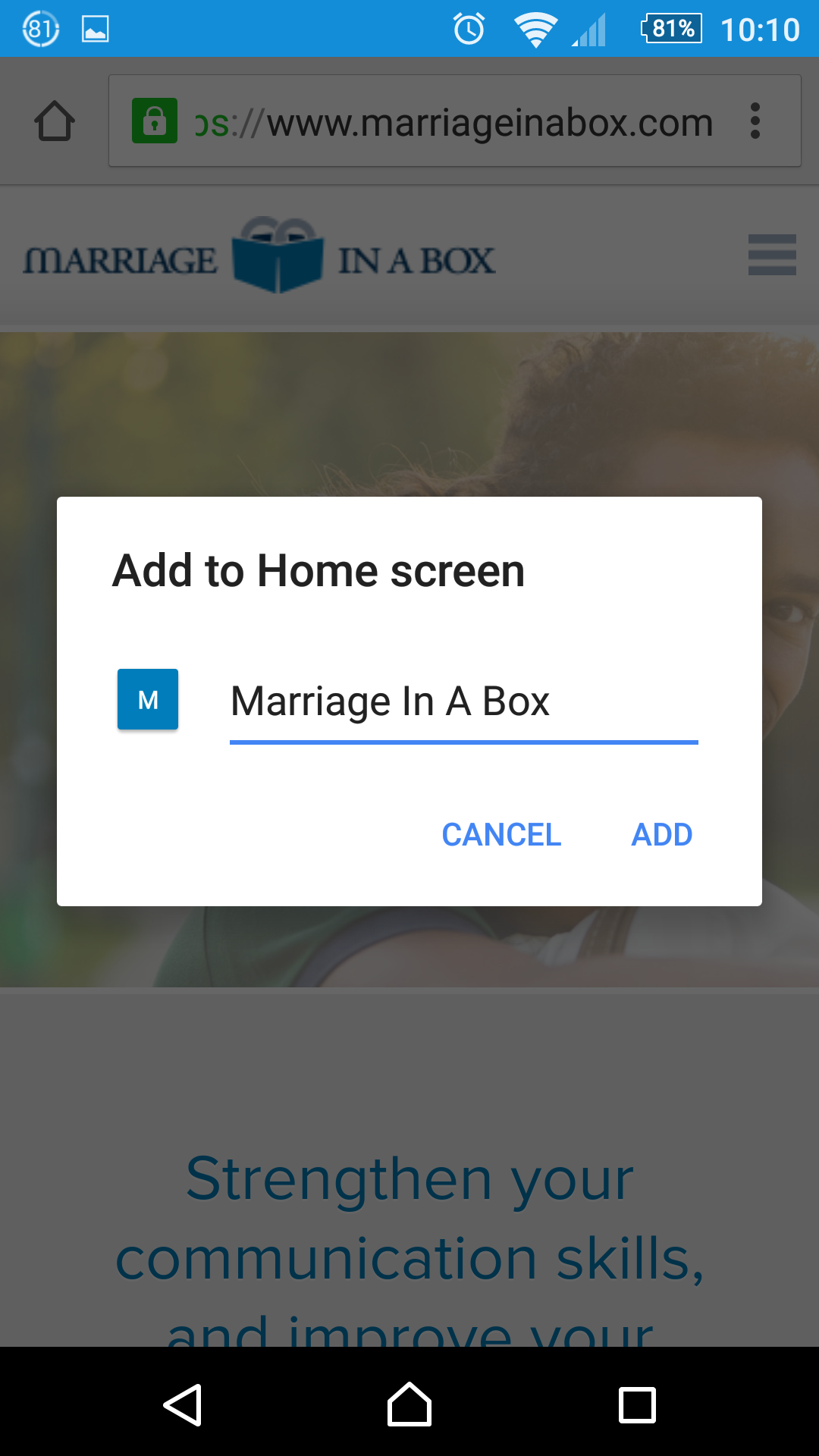
2. Hit the menu button, and select Add to homescreen.
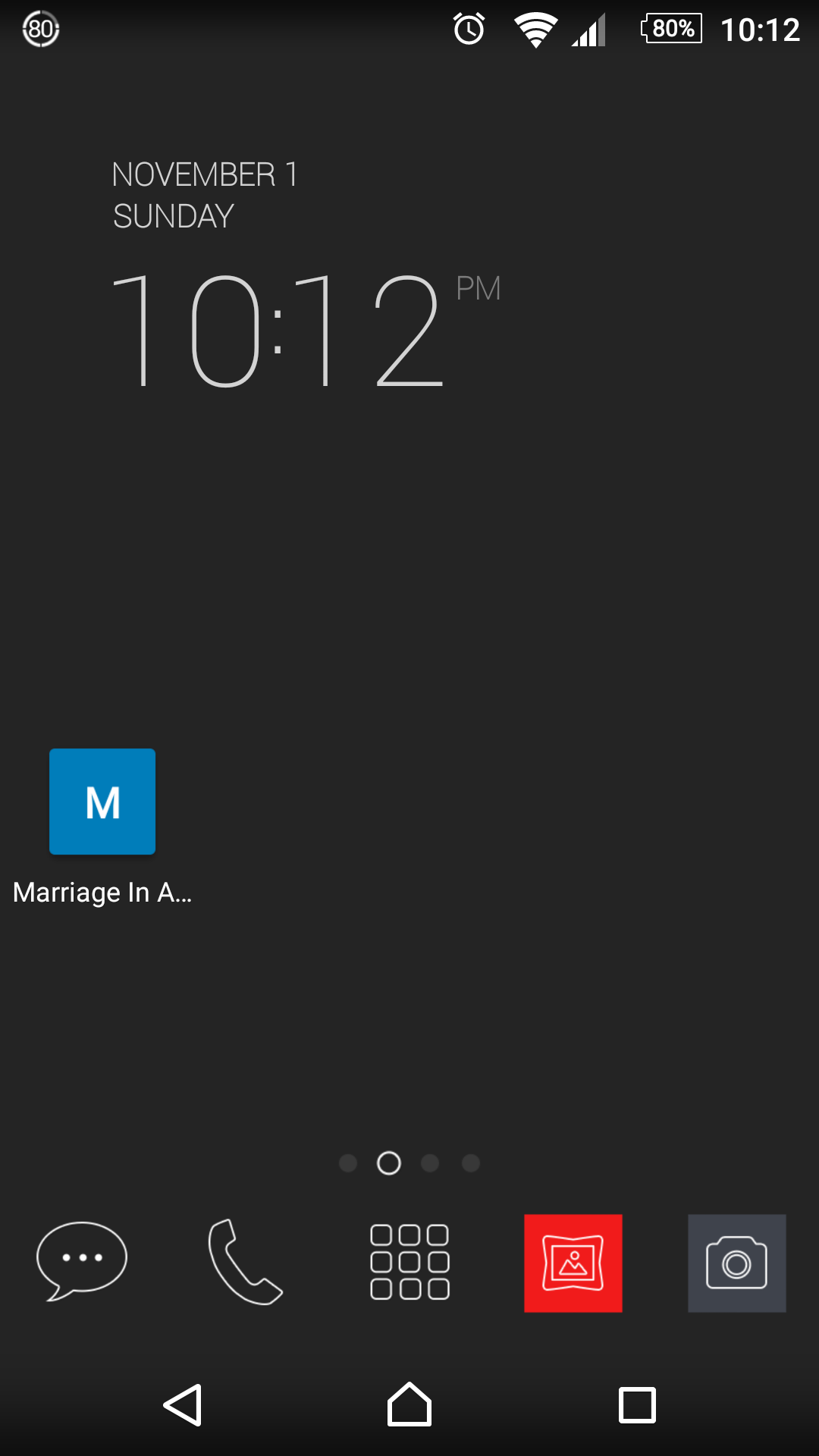
3. That’s all there is to it. The bookmark is now pinned to the homescreen for quick access. Arrange it into the place of your liking.
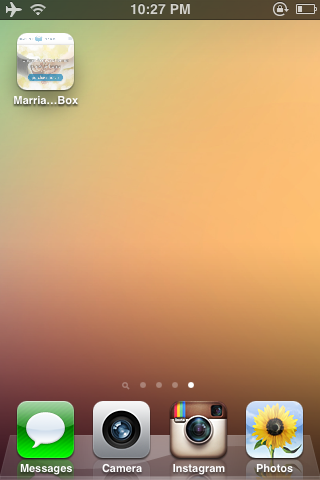
Visual tutorial for iPhone users:
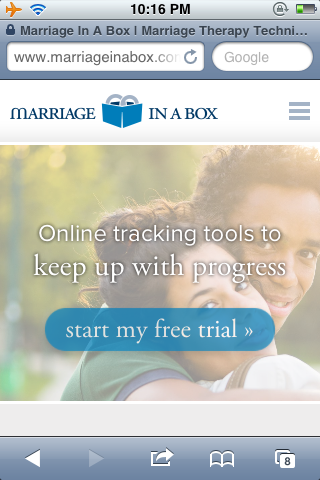
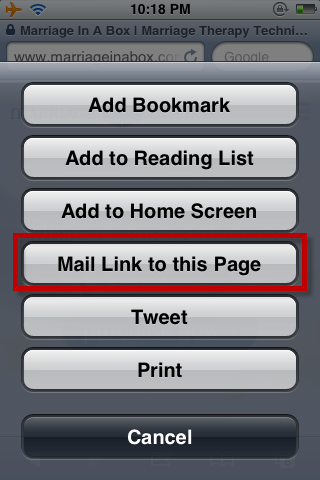
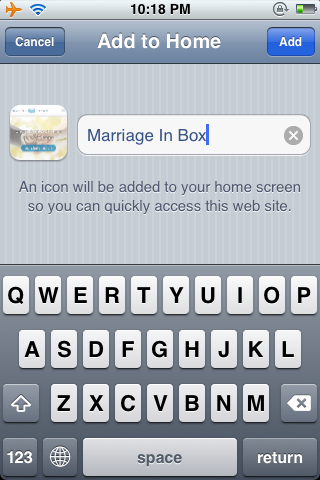
Visual tutorial for Android users: